Creator Software / Guide
InstaDoodle official website: how to reach the real order page
InstaDoodle official website is instadoodle.com. Learn how to reach the real order page, what it lists, monthly plans from $47 and the signs of a lookalike.
- Author
- Supplement Health Expert Editorial Team
- Updated
- Reading time
- 8 min
- Sources
- 0 cited
Key takeaways
- 01 The InstaDoodle official website is instadoodle.com. Type the address yourself rather than following a link from an ad or a forum.
- 02 The site's pricing grid shows three monthly tiers, from $47 a month, and checkout shows the exact figure.
- 03 Support runs through help.instadoodle.com, where you open a ticket.
- 04 Check the tier name, the monthly amount and the billing period before you pay.
The InstaDoodle official website is instadoodle.com. Type that address yourself when you want the genuine plan grid, the order buttons and the seller’s terms. This guide walks through the route from a blank browser tab to a confirmed tier. It also covers support, the login address and the warning signs of a copy or of an offer you should not rely on. Its pricing grid lists recurring monthly tiers: $47 for Standard, $67 for Pro and $127 for Agency.
Reaching the InstaDoodle official website without a detour
Open a new tab and type instadoodle.com yourself. Avoid links in emails, adverts and comments, because any of them can point somewhere else. If a review or an offer page brought you here, use that page for background, then open the seller’s address separately to check the tier.
The site describes the cloud web app, the three monthly tiers and the buttons that begin an order. It links to the seller’s terms and refund policy, which are worth reading before you pay.
What the seller’s site shows
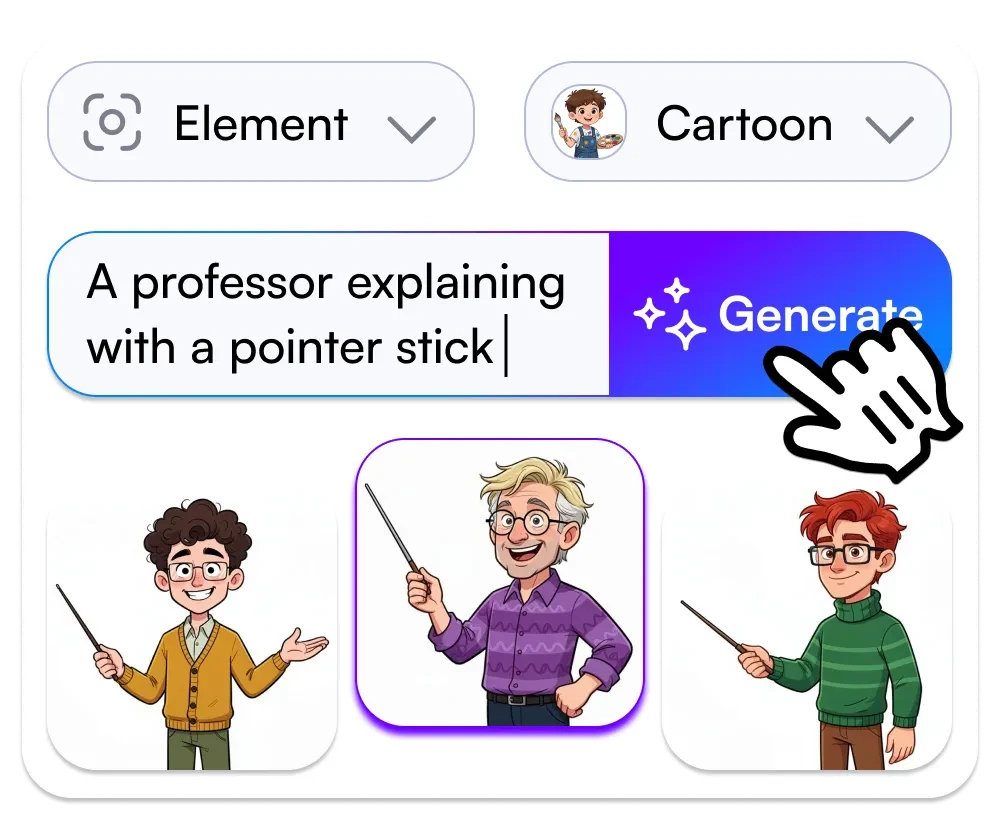
The grid presents three recurring options, priced at $47, $67 and $127 each month, and each renews until you end it. The feature list covers the drag-and-drop editor, the DoodleAI engine, picture-to-doodle, voiceover and background music, and export for 16:9, 9:16, 4:5 and square screens. Element numbers on the site are the vendor’s own figures, so read them as claims.
If you see a figure that is not on this grid, or a billing period that is not monthly, go back to instadoodle.com and compare. Prices can change, and the checkout is the figure that counts.
Step by step from the address bar to the tier
Load instadoodle.com in a fresh tab and wait for the page to finish. Scroll to the pricing section and find the three tiers with their monthly amounts. Read the tier name and the figure before you click any order button, because each button leads to a checkout for one specific tier.
Next, open the terms and refund policy links. They hold the guarantee period, the credit threshold and the way a refund claim is handled. Reading them takes a few minutes and can prevent a surprise later.
When you click an order button, the checkout should show the same tier and the same monthly amount. If it shows a different plan, a different billing period or a total you did not expect, close it and return to the official address.
Why a consistent address matters
Scammers and resellers depend on people typing a near-match or clicking a copied link. A single letter off in the domain is enough to land on a page built to look familiar. Bookmark instadoodle.com once you have confirmed it, and use that bookmark for every later visit, including the return trip when you check your billing. The login address is a separate, deliberate destination, not a place to reach by searching.
When a page looks wrong
If a page you reached from an advert or a message lists a tier that is absent from the official site, leave the details blank and go back to instadoodle.com. An offer the official site does not show is not one you can rely on.
If you already paid through a page you doubt, keep the receipt and the confirmation email, note the address and the time, and open a ticket at help.instadoodle.com titled Refund Request. The support desk can check the order against its records. Act early, because the refund rule turns on the purchase date and on how many included credits you have used.
Watch the payment statement as well. A charge that does not match your receipt goes to the seller’s desk first, and to your bank if the seller does not respond.
Support, login and billing
The help desk lives at help.instadoodle.com, where tickets cover billing, cancellations and refunds. A refund ticket should carry the Refund Request title, the email on your account, the purchase date and the order code. A claim the policy accepts is processed within seven calendar days once the seller holds what it needs.
Your projects live behind the login at instadoodle.app. Use that address only, and do not sign in through a pop-up or an email link you did not ask for. Once signed in, your saved projects show the credit balance, which is the number to check before you generate anything large.
Reading the terms without getting lost
The terms and the refund policy run long enough that skimming them misses the useful parts. Scan for three things: the section describing the guarantee window, the clause that sets the credit threshold, and the paragraph on how a claim is handled. Those three passages determine what happens to your money, and they are the only parts you need to read closely on a first visit. Copy their key lines into a note with the date you read them. If the seller revises the policy after you buy, your note shows what applied on the day you paid.
Why the checkout matters more than the link
Links from other sites can lead to a different offer, and the seller can change its pages over time. That is why the checkout needs your own check. Read the tier name, the recurring amount, the renewal wording and the licence text. Those items describe exactly what you are buying.
The refund policy applies to the order you place. The guarantee lasts 60 days, but payments are withheld after you have used over half of your credits.
What to do if the site looks changed
Sites change. A redesigned layout, a new logo or a different order path does not by itself mean the seller has gone, but it does mean the pages you read earlier may be out of date. Before you rely on an old note, reload instadoodle.com, compare the tier names and figures, and check the date printed on the terms. Where your notes and the current pages differ, the live official page and the checkout govern, and the notes should be corrected rather than trusted. Dated notes are easier to correct, so write the date beside every figure you copy.
How to spot a lookalike
A lookalike often copies the look of the seller’s site and changes one detail: a different address, a price missing from the official grid, a one-off deal the official site never mentions, or pressure to act before a deadline. None of these proves a page is fake, but each is a reason to stop and return to the official address. Resale sites and marketplaces are another route to avoid, and the where to buy guide explains why.
Before you pay
Confirm the tier you want, the monthly amount, the billing period with its renewal date and the licence line. Keep the confirmation email and the receipt, since they hold the order number and purchase date that a refund claim needs. The InstaDoodle price guide sets each tier side by side, and is InstaDoodle legit walks through the wider checks.
The InstaDoodle hub gathers every page we publish on the tool, so you can move between them without losing your place.
Frequently asked questions
What is the InstaDoodle official website?
The seller's address is instadoodle.com. It shows the cloud app, the three monthly plans, the order buttons and the seller's terms. The login sits on a separate address, instadoodle.app.
Where do I get support?
Tickets go to help.instadoodle.com. Title refund claims Refund Request and give the login email, purchase date and order code.
Why should I check the checkout myself?
Links from other sites can lead to a different offer. Compare the tier, the amount and the billing period on checkout with the official site every time.
Is there a version of the official site that costs nothing?
Nothing is usable before checkout, and the seller describes no unpaid route. The first charge is taken when the order completes.
How do I spot a lookalike site?
Check the address against instadoodle.com, and be wary of a different price, a one-off deal or a deadline the official site does not show.
What if I already paid through an unfamiliar page?
Keep the receipt and the confirmation email, note the address and the time, and open a ticket at help.instadoodle.com titled Refund Request as soon as you can.
InstaDoodle official website · InstaDoodle website · InstaDoodle official site · InstaDoodle order page · InstaDoodle login · InstaDoodle help desk · InstaDoodle lookalike