Creator Software / Guide
Where to buy InstaDoodle: order only on the official page
Where to buy InstaDoodle: order on the seller's official page, not through marketplaces, resellers or coupon sites, and check the plan and price first.
- Author
- Supplement Health Expert Editorial Team
- Updated
- Reading time
- 7 min
- Sources
- 0 cited
Key takeaways
- 01 Order only through the seller's official order page, reached from instadoodle.com or the order link on our guide.
- 02 Skip marketplaces, resellers and coupon sites: they add a middle party between you and the seller.
- 03 Confirm the plan name, the monthly price and the billing period on the order page before you pay.
- 04 Keep the confirmation email, because it holds the order number a refund request needs.
Where to buy InstaDoodle has a short answer: from the seller’s own order page. The official site is instadoodle.com, and each tier is billed monthly. This guide explains why a marketplace, a reseller or a coupon site adds risk, walks through the order one step at a time and lists what to confirm before you pay. Keep the official route and the order number close at hand from the first click.
Where to buy InstaDoodle without a middle party
The order page is where the seller states the plan, the price, the billing period and the refund route. A marketplace listing or a reseller page can reword those terms, bundle a different offer or drop the lines you will need later. A coupon site inserts one more party between you and the seller, and it does not show the seller’s terms the way the order page does.
The rule is simple. Go to the seller’s order page and avoid intermediaries, even when an intermediary’s price looks lower. You want the plan, the total and the refund policy to come directly from the seller, because those are the facts you will rely on when you sign in, cancel or ask for money back.
Step 1: Start from the official site
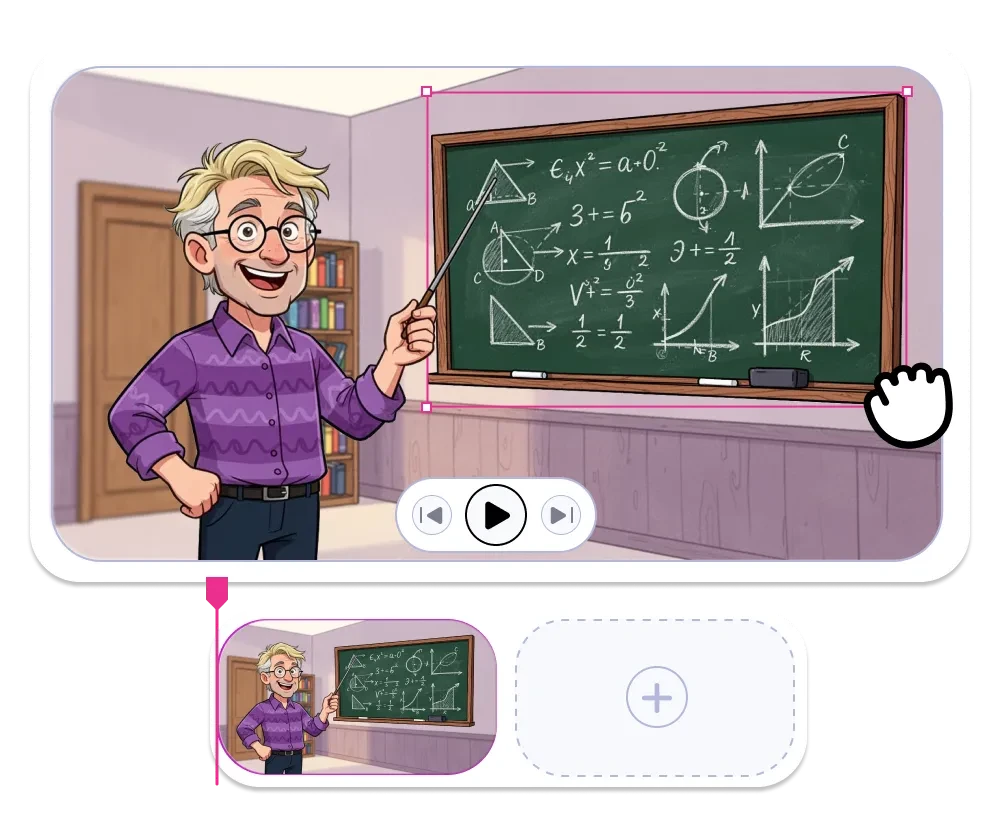
Begin at instadoodle.com. The site describes the tool, lists the plans and links to the order page. You can also use the order link on our guide, which opens the seller’s order page. Either way, the page should name InstaDoodle and show the three monthly tiers.
If a page claims to sell InstaDoodle but names a different seller, a different product or an odd price, leave it. The dependable route is always the seller’s own page, reached from the seller’s site or from the link on this guide.
Step 2: Confirm the plan name
The seller lists three tiers: Standard, Pro and Agency. Standard is the entry point, with the editor, DoodleAI, picture-to-doodle and 150 AI credits. Pro adds more elements, 2K and 4K export and the commercial license named in its listing. Agency adds AI Wizard, InMotion and AI Voices. Check that the tier in your cart matches the one you chose before going further.
Step 3: Confirm the monthly price and billing
Each tier renews every month, and the seller says it continues until you end it. Read the monthly amount and the billing period on the order page, because that is where the exact total appears. If the figure does not match the tier you picked, stop and check before you continue.
Put the renewal date in your calendar the day you buy. A monthly charge is simple to overlook once the first project is finished, and a reminder costs nothing.
Step 4: Check the license and the credit line
Before paying, look for two more lines. The first is the credit allowance on your tier. Standard lists 150 AI credits, and the seller’s refund policy depends on how many of them you spend. The second is the license wording. Pro carries a commercial license in the seller’s listing, and agency, team and reseller rights apply only if a purchase names them. If client work is on your list, read that line for your tier before you order.
Step 5: Save your confirmation
After payment, save the confirmation email. It holds the order number, the purchase date and the account details you need to sign in. Keep a copy in a folder you can find later. If the email does not arrive, check the spam folder before you contact the help desk.
Note the account email you used, because you will need the same address to sign in at instadoodle.app/user/login and to ask for any refund. Both steps depend on that address matching your order.
Why the tier name matters at checkout
Standard, Pro and Agency carry different feature lists, so the name in your cart is more than a label. Standard is the base. Pro is the tier that lists the commercial license and the 2K and 4K export. Agency is the one with AI Wizard, InMotion and AI Voices. If the cart shows a tier you did not choose, correct it before paying, because the monthly amount and the features follow the tier name.
Read the billing line as well. Each tier repeats monthly until you end it, according to the seller. A few minutes on the order page costs far less than a renewal you did not plan for.
What to avoid when you order
Three habits cause most ordering trouble. Do not buy from a marketplace or a reseller, since the terms and the refund route may not come straight from the seller. Do not use a coupon site for a code, because a coupon page is not the seller’s order page. And do not pay for a tier you have not confirmed on the order page, even when a message or a link told you what it costs.
Buying direct keeps the trail short. Save a screenshot of the order page next to the confirmation, since it costs nothing and records the tier and price you saw. Your order number, the confirmation email and any refund ticket all point back to one seller, so there is no second party to chase. The credit line deserves the same care: if you spend past the halfway mark of the credits your tier gives you, no refund follows, so note the allowance before your first project.
What the order page should show
Scan the entire order screen before you press anything. The tier name should match your choice, the price should show a monthly amount, and the billing line should describe a recurring charge. If one of those three is missing or contradicts the others, pause and put the question to the seller through its support route before you enter payment details.
Next, look at the credit line and the license line for the tier. Write both down beside the date. Those two notes will serve you better later than any summary, because they are the exact terms that apply to your purchase.
Where the seller’s support fits
After ordering, the seller’s support runs through a ticket at help.instadoodle.com. Use it for sign-in problems, billing questions and refund requests. A refund ticket is labelled Refund Request and needs your account email, purchase date and order number. Our refund policy guide sets out the steps in full.
For sign-in after checkout, read the InstaDoodle login guide. If you want the guarantee in one place, the money-back guarantee guide explains the 60-day cover and its limits.
Our view on buying direct
Buying direct is the cleanest path. The tier, the price and the refund terms come from the seller, and the support route belongs to the seller as well. Our editorial score for InstaDoodle is 7.6 out of 10. It is our score, not a buyer rating, and the monthly billing and the credit line deserve your attention before you order.
For the plan details in one place, see the InstaDoodle price page and the where to buy page in our catalog. The InstaDoodle hub links the rest of the set.
Frequently asked questions
Where is the official InstaDoodle order page?
Start from the seller's site at instadoodle.com, or use the order link on our guide. Both lead to the seller's order page for the plans.
Can I buy InstaDoodle from a marketplace or reseller?
We advise against it. Use the seller's own order page, so the plan, the monthly price and the refund route come straight from the seller.
Are coupon sites a sensible way to lower the price?
We do not recommend them. A coupon page is not the seller, and the order page shows the price and the total, so check those yourself.
What do I check on the order page?
The plan name, the monthly price, the billing period, the credit line and any commercial license wording for that plan.
What do I do after I pay?
Save the confirmation email, note the account email and purchase date, and keep the order number somewhere safe.
Is InstaDoodle a monthly subscription?
Yes. Standard, Pro and Agency are each billed monthly, and the order page states the figure that applies to the plan you pick.
where to buy InstaDoodle · InstaDoodle official website · buy InstaDoodle · InstaDoodle order page · InstaDoodle price · InstaDoodle monthly plan · InstaDoodle reseller warning