Software & Creator Tools/Safety
InstaDoodle Safety: Credits, Licence, Data and Copyright
InstaDoodle safety for a cloud tool: how prompts and uploads are handled, the licence wording by plan, copyright limits on AI output and how renewals work.
- From $47 a month, billed monthly
- 60-day refund
- Software & Creator Tools
By Supplement Health Expert Editorial Team · · 8 min read
- Refund window
- A 60-day money-back guarantee. The seller's policy says a refund is not available if more than half of the AI credits included with the plan have been used. Request it through help.instadoodle.com with the subject Refund Request, with your account email, purchase date and order number. Keep your confirmation email.
- Price from
- $47/month billed monthly
- Category
- Software & Creator Tools
- Our score
- 7.6/10 editorial
Key takeaways
- 01 Because InstaDoodle runs in the cloud, your prompts, files and projects pass to the seller and outside AI services, per the terms.
- 02 Upload only images, voices and footage that you have the right to use.
- 03 AI output may not qualify for exclusive copyright protection, so keep your own original files.
- 04 Check the commercial licence wording on the plan you buy. The seller lists it under Pro and Agency.
- 05 Each monthly plan renews until you cancel.
InstaDoodle runs in the browser, which brings a different set of safety questions from a desktop program. Nothing is installed on your computer. Your scripts, photos and finished projects are handled on the seller’s servers and, for some features, by third-party AI providers. This page explains what that means day to day, what to upload and check, how the license wording changes by plan, and how renewals work.
Everything here is taken from what the seller publishes, its pages and terms. We have not audited the product’s security, and this page is not legal advice. If a project involves personal data, client confidentiality or a legal duty, read the terms yourself and take advice where it is needed.
Where your prompts and uploads go
Under the seller’s terms, outside AI services help process what you type and upload, alongside the seller itself. That processing is what turns a sentence into a drawing and a photo into a sketch. Put simply, whatever you type or upload leaves your device. Keep private documents, customer lists, medical or financial records and personal photos of other people out of the editor unless you have a clear reason and the right to share them.
Edit the script before you paste it. A training clip for your team can describe the process and the product, but it should not carry a client’s name, an account number or a home address. Strip those details first, then build the scenes.
Upload only material you have rights to
The plans let you upload your own images, custom fonts and voiceovers, and on Agency your own videos. Use material you made, material you hold a license for, or material that is free to use for this purpose. A photo of a stranger, a logo you do not own or a film clip remains a problem even when the image-to-sketch tool turns it into a doodle. A doodle filter does not change who owns the original.
Make a habit of asking one question before each upload: could you show the source file to a client, or to the person pictured? If the answer is no, leave the file out.
Check the output before you publish
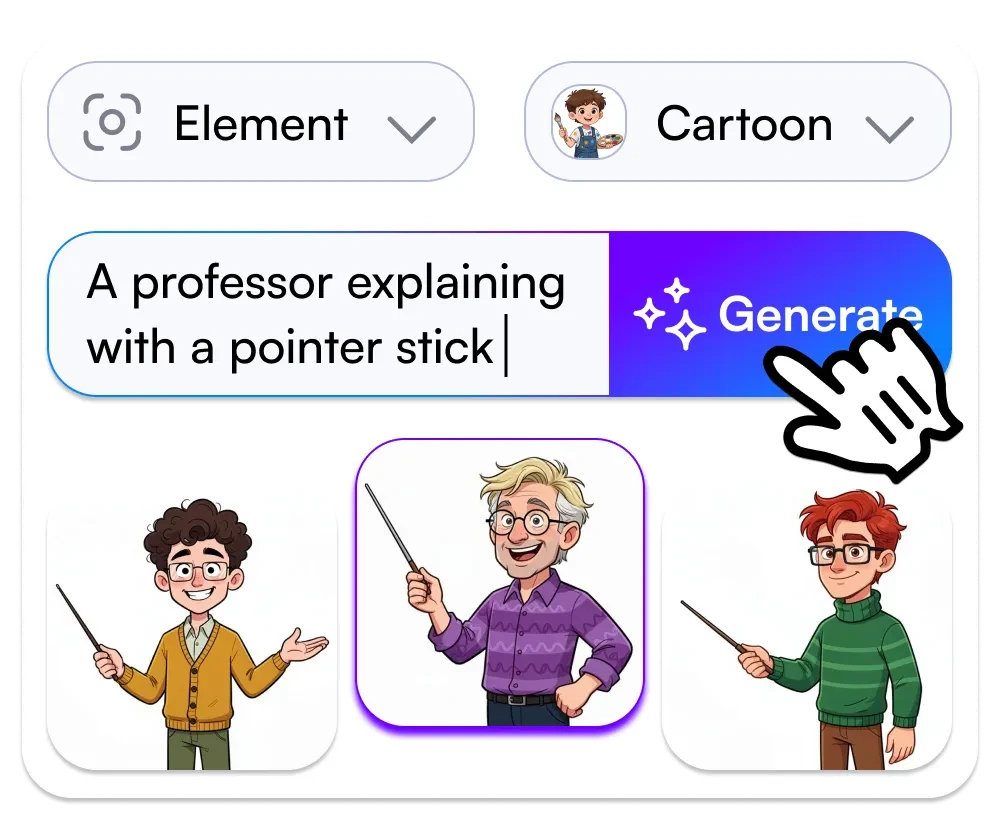
DoodleAI turns a prompt into characters, props and scenery, and the result can look finished while still being wrong. Check every name, number, date and claim in the script and on screen. Make sure a character does not resemble a real person or a brand mark. Listen to the voiceover against your script, and check the background music before a clip goes out. The seller’s terms say to review outputs before publication, and that applies to short projects as much as long ones.
Watch the whole video at its final export size. A 9:16 phone export can crop a label that looked fine in the 16:9 editor, and a caption that reads well on a laptop can run off a phone screen.
Copyright in what you make
The terms warn that generated output could fall outside exclusive copyright. Put plainly, you should not expect to stop someone from copying a video only because you built it in InstaDoodle. Your own script, your own recorded voice and any original artwork you add can still belong to you. Keep those source files in your own archive, outside the tool.
Build your plans around that limit. Consider a finished video something others may reuse, and do not promise a client exclusive ownership of the look.
License wording depends on the plan
The seller lists a commercial license under Pro. It says agency, team, commercial or reseller rights apply only to the extent your purchase expressly includes them. Agency has its own feature list, so read its license wording as well. Standard is the plan to check closely, because the seller does not list the commercial license there.
Before a video goes to a client, a sponsor or a paid course, read the license wording on the order page for the exact plan you are buying. Keep a copy of that page or the receipt that shows it. The terms also say you may not resell access to the platform, so you cannot give a client a login to your account as if it were a product.
Credits and what they mean for safety
Credits are the usage units behind AI actions. Standard includes 150 AI credits, though the seller notes that each action’s cost can move. Watch your balance during a large project, because a long run of generated scenes spends credits fast. The balance also matters for refunds: you lose eligibility for the 60-day guarantee once you pass half of the credits on your plan, and the price page sets out that rule with the plan figures.
Its support desk, help.instadoodle.com, takes refund requests when the subject line reads Refund Request. Give the team your account email, the date you bought and your order number. Stop using credits while the request is looked at.
Renewals and cancelling
Each plan is billed monthly, and the seller says it renews until you cancel. To end renewals, use the billing controls in your account or contact help.instadoodle.com. Keep the cancellation confirmation. Cancelling stops future renewals, but it does not by itself count as a refund request. After you cancel, check your bank or card statement for the next month to confirm that nothing new was charged.
If you only need the tool for one project, set a calendar reminder before the renewal date. A short note costs far less than a month you did not plan to pay for.
Your login and records
Use a password you do not use anywhere else, and turn on any sign-in protection the account offers. Log in only at the seller’s own login page, shown here as plain text at instadoodle.app. Do not share one login between colleagues who should each have their own access. If several people will work in the tool, check what the order page says about team use before you buy, because team rights depend on the plan.
Keep a short record for each project: the date, the plan, the source files and where they came from, and the final export. If a client or a platform later asks where a clip came from, the record answers the question quickly.
A short safety checklist
- Choose a plan whose license wording covers how you plan to use the video.
- Remove private details from the script and the photos before you upload.
- Upload only material you have the right to use.
- Check your credit balance before a large project, and keep the refund rule in mind.
- Review every AI output at the final export size before you publish.
- Keep your receipt, the license wording and any cancellation confirmation together.
Questions to answer before you start
Before your first project, answer three questions. Who will see this video? What goes into it, and do you have the right to use each piece? How will the video be used, and does your plan cover that use? If you can answer all three, the tool is a straightforward choice for explainer and training clips. If one answer is unclear, check the terms, or the license text on the order page, before paying, and ask the support desk when the wording does not settle it.
The few minutes this takes are cheaper than rebuilding a finished video, and they keep the tool working for you rather than creating a problem you have to explain later.
Where the rules come from
Everything on this page is drawn from the seller’s own pages, terms and refund policy, as they stood on our check date. Terms can change, and the credit cost of an action can change with them. Before you rely on a rule for a client project, read the current terms yourself. If the order page and the terms ever seem to disagree, the order page shows what you will be charged, and the terms set out the conditions that apply after you pay.
InstaDoodle Official Pricing
As listed on the official store · confirm at checkout
InstaDoodle Standard
$47
Per month, billed monthly
- 150 AI credits, the seller says
- DoodleAI engine, drag-and-drop editor and 1080p HD export
- Picture-to-doodle, plus an image editor with a background remover
- 6 animation types, 6 AI styles and 14+ templates
- 1,000+ built-in doodle elements and slide transitions, the seller lists
InstaDoodle Pro
$67
Per month, billed monthly
- Everything in Standard, the seller says
- 3,000+ PRO doodle elements and characters, the seller lists
- Export in 2K and 4K, and upload custom fonts
- COMMERCIAL LICENSE, as the seller lists it on this plan
- 20 background music tracks, listed by the seller under Pro
InstaDoodle Agency
$127
Per month, billed monthly
- Everything in Pro, the seller says
- AI Wizard: script generator and automatic project creation
- InMotion: upload your own videos, with transitions and 1,000+ animated elements
- AI Voices: 6 voices in 30+ languages, the seller says
- Agency and team rights only where the order page expressly includes them
Plans are billed monthly. The order page shows the exact plan and price, and the checkout shows local currency and any tax, so the final amount can differ. Refunds: A 60-day money-back guarantee. The seller's policy says a refund is not available if more than half of the AI credits included with the plan have been used. Request it through help.instadoodle.com with the subject Refund Request, with your account email, purchase date and order number. Keep your confirmation email..
Frequently asked questions
Where does my InstaDoodle data go?
Under the seller's terms, outside AI vendors and the seller itself handle your prompts, files and projects. Assume anything you type or upload leaves your computer.
Can I use any photo I find online?
No. Upload only images, voices and footage that you made or have the right to use. A photo of another person or a brand you do not own can cause a problem even after it becomes a doodle.
Do I own the videos I make?
You can use your own script, voice and original artwork, but the seller's terms say AI output may not qualify for exclusive copyright protection. Do not assume you can stop others from copying it.
Can I use InstaDoodle videos for client work?
The seller lists a commercial licence under Pro and says agency, team, commercial and reseller rights apply only where your purchase expressly includes them. Read the licence wording on the order page first.
How do I stop being charged?
Each plan is billed monthly and renews until you cancel. Cancel through the billing controls or support, keep the confirmation, and check your next statement.
InstaDoodle safety · InstaDoodle data · InstaDoodle licence · InstaDoodle copyright · InstaDoodle credits · InstaDoodle cancel