Creator Software / Guide
InstaDoodle vs Doodly: Questions to Ask Before You Pick a Tool
InstaDoodle vs Doodly: a checklist of questions for any doodle video tool, built on InstaDoodle's own facts such as monthly plans and a 60-day guarantee.
- Author
- Supplement Health Expert Editorial Team
- Updated
- Reading time
- 7 min
- Sources
- 0 cited
Key takeaways
- 01 Compare any doodle video tool on billing, credits, exports, licence terms, refunds and support.
- 02 Use InstaDoodle's facts as the benchmark: monthly plans from $47, 150 Standard credits and a 60-day guarantee.
- 03 Write down each tool's refund rule in its own words before you compare prices.
- 04 This guide makes no claims about any other product.
InstaDoodle vs Doodly is a comparison buyers often want to make before paying, but a fair answer needs the same questions put to each tool. This guide makes no claims about Doodly or any other product. Instead it gives you a checklist for any doodle video tool, and it uses InstaDoodle’s published facts as the benchmark: monthly billing from $47, 150 Standard credits, common export frames and a 60-day money-back guarantee with a credit rule.
InstaDoodle vs Doodly, asked the same way
A comparison only means something when both tools face the same questions. The points below are the ones we would put to any pair of options, and they start from the facts InstaDoodle publishes.
Why a checklist beats a list of names
A list of names tells you little, because tools revise their plans, credits and terms over time. A checklist tells you what to look for, and it works on any tool you find. You can apply it on the day you compare, and again when a subscription renews. The questions below are the ones that usually settle whether a tool suits your work.
Write the answers in one place. A table with a column per tool and a row per question is enough. Fill each cell from the vendor’s own pages and terms, and leave it blank where a page is silent. A blank is useful, because it marks a question to put to the vendor before you pay.
Question 1: How is it billed?
Start with the billing model. InstaDoodle charges monthly, with Standard at $47, Pro at $67 and Agency at $127 for each month. The seller says the charge repeats until you end it, and that you can stop at any point. For any other tool, write down whether the price is monthly, yearly or a single charge, and whether it renews without action from you.
Note what the price includes. A low monthly figure can hide a credit cap or a feature that only a higher tier unlocks. Multiply the figure by the months you realistically expect to use, then compare totals rather than headline prices.
Question 2: How many credits or units do you receive?
InstaDoodle gives 150 AI credits on Standard, and the seller says the cost of an action may change. Ask every tool how its credits or usage units work. Find out how many you receive, what each action costs and whether that cost can move. A tool built on usage units needs its own line showing how far a typical month goes.
Question 3: Which frames and resolutions come with each plan?
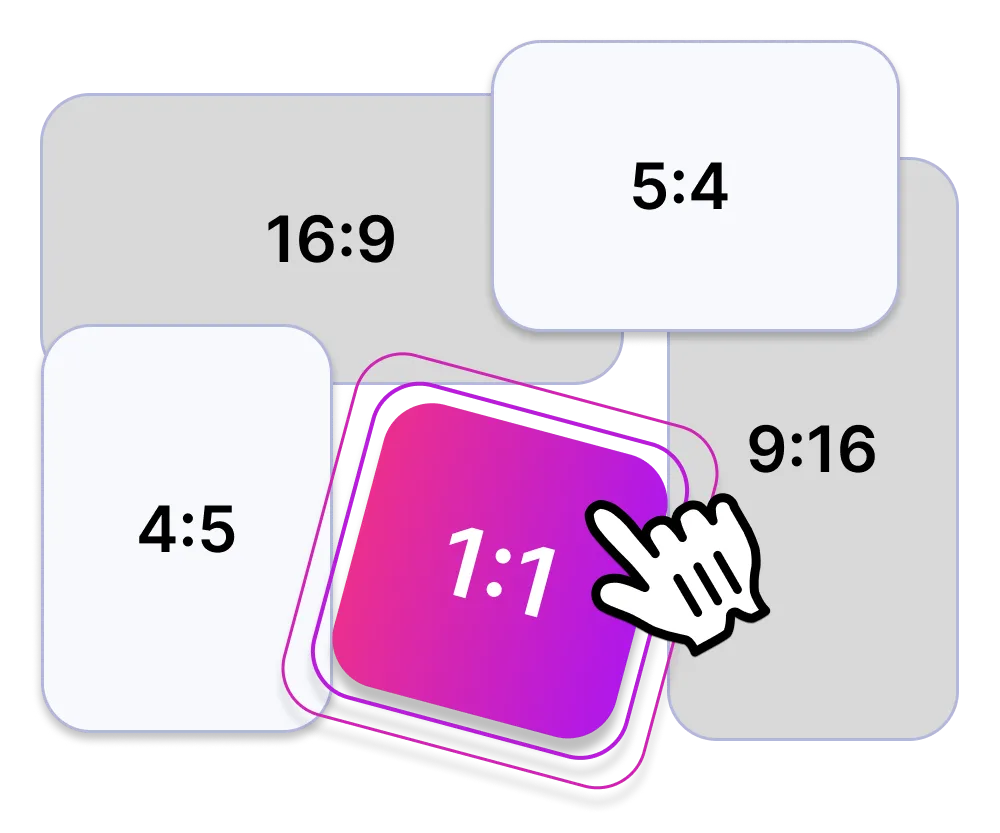
InstaDoodle lists 16:9, 9:16, 4:5 and square frames, with 1080p HD on Standard and 2K and 4K on Pro. Put any other tool against the same two points: which frame shapes it exports and which resolutions sit on which plan. If your work runs on a slide deck and a short-video feed, the frame list matters more than any headline feature.
Question 4: Is the library a count or something you can open?
Libraries of doodle elements and templates are worth comparing, but counts are quick to print and slow to verify. InstaDoodle’s material gives 1,000+ built-in doodle elements and 14+ starter templates, and those figures come from the seller. For any tool, ask whether the number is the vendor’s own claim and whether you can browse the library before you pay. A count you cannot inspect deserves less weight in your notes than an element you can open and use.
Question 5: Are voice, music and motion built in?
Check the audio and motion tools next. InstaDoodle offers narration that you generate or upload, background music on its own track, six animation types on Standard and slide transitions between scenes. Ask each tool the same questions: can you generate a voice, upload your own, add music separately and choose how each element enters the frame? A missing piece means extra work in another application.
Question 6: What do the refund rules say, in the vendor’s words?
This is the question buyers skip most often, and it guards your money best. InstaDoodle’s policy says a refund is off the table once more than half of the included AI credits have been spent, and the 60-day window applies on top. Copy the refund line from any other tool into your table word for word, along with any credit or usage condition. Then compare the two rules side by side, using the vendor’s pages rather than a third-party summary.
Also record how a request is filed. InstaDoodle routes requests through a ticket at help.instadoodle.com, marked Refund Request. A tool with a different route belongs on your list too, along with the timeline the vendor states for a decision.
Question 7: What does the license allow for client work?
If you make videos for clients, the commercial license matters most. On InstaDoodle, the seller attaches a commercial license to Pro and says agency, team and reseller rights exist only when a purchase names them. For any tool, find the exact line for the plan you are weighing, and ask whether client work, resale and team use are covered. Do not assume the license follows the plan name.
Question 8: Where do sign-in and support go?
A tool with no clear support route can cost you a full day when something breaks. InstaDoodle is a cloud web app, sign-in happens at instadoodle.app/user/login, and support runs through a ticket at help.instadoodle.com. For any other tool, note whether it runs in a browser or needs a download, where sign-in happens and how a ticket is opened. Those four facts tell you how much help to expect and how quickly it may come.
Question 9: What is it not built for?
Every tool leaves something out. InstaDoodle is built around doodle-style drawing, so full motion graphics, live footage edits and long films sit outside its purpose. Write the same kind of limit for each option you consider. A clear limit is useful, because it shows what the tool was designed to do.
How to score your comparison
Give each tool a simple score across the questions above, using a scale you define. Keep the scores honest: a blank scores low, and a claim taken from the vendor’s own copy scores a little lower than a point you can verify. Then read your notes, not only the totals. The right tool is the one whose answers match the way you make videos.
We put InstaDoodle at 7.6 out of 10 on our own scale. That figure weighs the credit limit, the monthly renewal and the seller-sourced numbers. Treat that score as one input, and your own checklist as the other.
Rights and data before you commit
Whichever tool you choose, check how it handles your prompts and uploads. InstaDoodle’s seller says prompts, uploads and projects are processed by the seller and by outside AI providers. Upload only what you have the rights to use. The seller also warns that generated output might not win exclusive copyright protection, so review what you publish. Put the same questions to any other tool and record the answers beside its refund line.
For a plain overview of InstaDoodle, read what is InstaDoodle. The comparison page lines up the InstaDoodle plans, and the InstaDoodle hub gathers the rest of our pages. If you already know which plan you want, the where to buy guide explains how to order it.
Frequently asked questions
What are InstaDoodle alternatives?
This guide does not rank other products. It gives you a checklist of questions to ask about any doodle video tool, so you can compare them on the same terms.
Does this guide say which tool is better?
No. We make no claims about other tools. The benchmark here is InstaDoodle's own published facts, and the rest depends on your own checks.
What should I compare first?
Start with billing and renewal, then the credit allowance and the refund rule. The sticker price alone rarely shows the real cost of a month's work.
Why does the credit rule matter when I compare?
A refund rule tied to credit use changes how much room you have to change your mind. Compare the credit line and the refund line side by side.
Which export sizes should I look for?
Check the frames you need, such as 16:9 for a slide deck, 9:16 for vertical video, 4:5 for a feed and square for social cards, along with the resolution on your plan.
Does the license matter for client work?
Yes. Read the commercial license line for the exact plan, because license terms differ between plans and between tools.
InstaDoodle vs Doodly · doodle video tool comparison · whiteboard animation software · explainer video tool checklist · InstaDoodle comparison · doodle explainer software · video tool refund rules